Category: WordPress control
Posts about controlling risky actions in WordPress - plugin installs, theme changes, and admin behavior that can break sites.

Client handoff guardrails for WordPress
Help site owners manage WordPress with confidence through thoughtful project handoffs and operational guardrails.
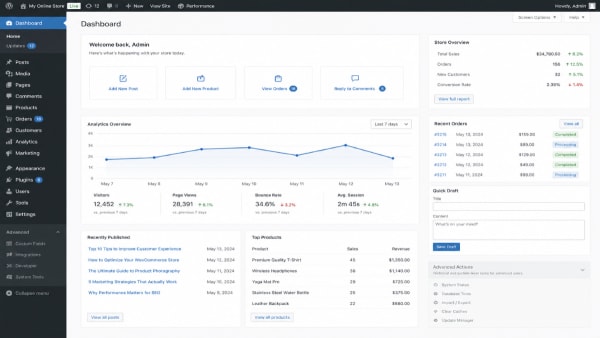
Not every WordPress admin action needs equal visibility
Some WordPress admin actions carry more risk than others. Better workflow separation can reduce friction and improve usability.
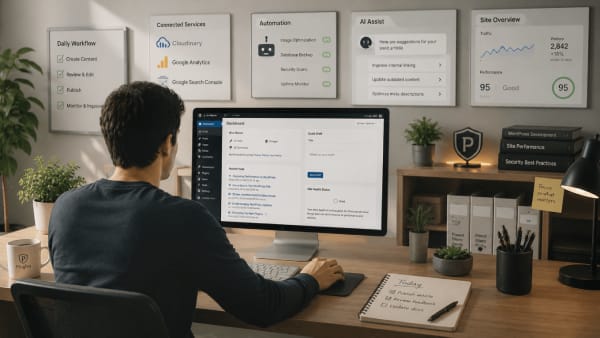
Why WordPress sites need operational guardrails
As your WordPress site grows, operational guardrails help reduce mistakes and make everyday management easier.

What are WordPress admin guardrails?
WordPress admin guardrails help reduce mistakes around high impact actions such as plugin installation, theme changes, and permalink settings.
WordPress needs a safe mode for everyday use
WordPress is powerful, but everyday use often leads to unintended changes. Here is why a safe mode approach can make the admin experience more stable.

Safer WordPress workflows create more confident site management
A focused admin workflow can reduce hesitation, improve operational clarity, and help WordPress sites feel easier to manage over time.
Where most WordPress problems actually come from
Many WordPress issues are part of larger patterns. Learn where problems typically come from and how better control and feedback improve stability.
How to stop clients from changing WordPress themes
Switching WordPress themes can significantly change your site. Learn how to keep your active theme in place without blocking admin access.
Why hiding WordPress admin menus isn't enough?
Hiding WordPress admin menus changes visibility, but not access or actions. Learn why this matters and what helps keep your site stable.