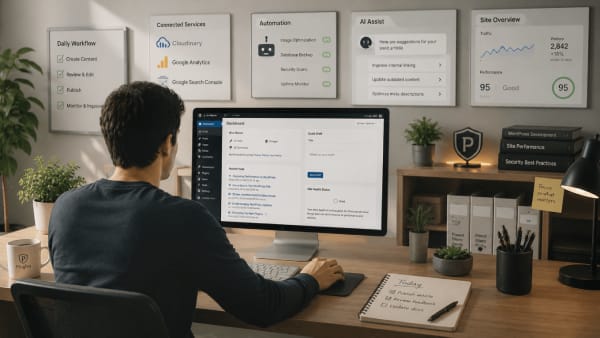
Safer WordPress workflows create more confident site management
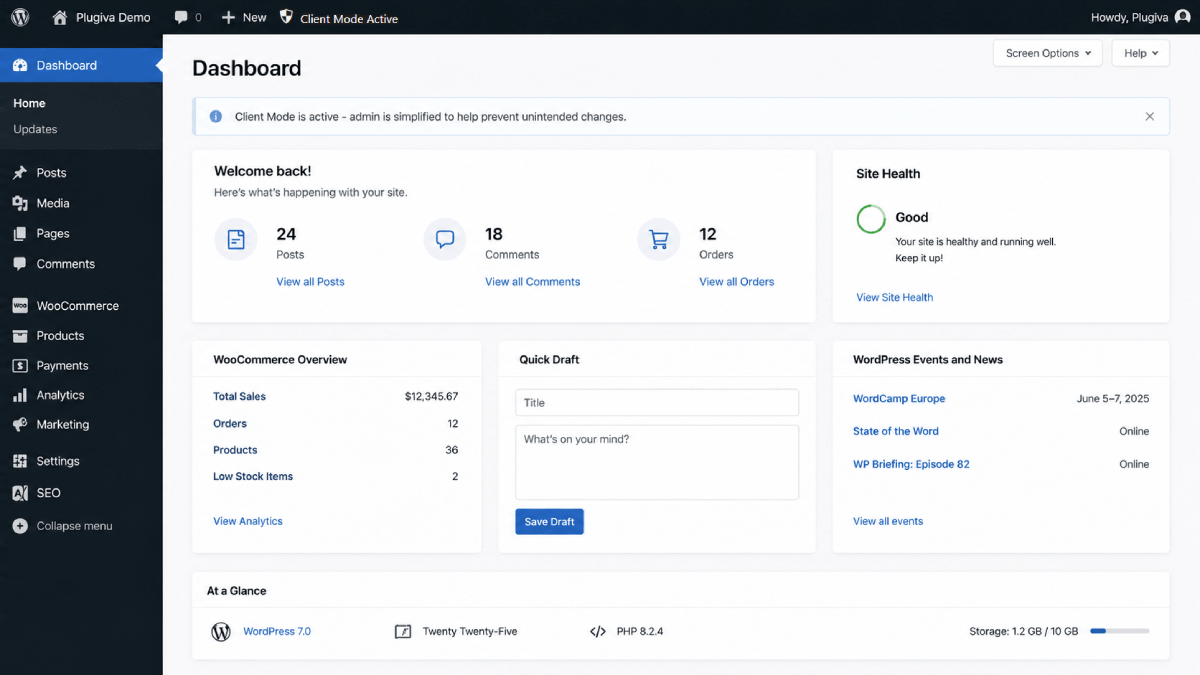
Many discussions around WordPress usability focus heavily on features, flexibility, and customization.
Those things matter.
But another important part of website management is often overlooked, and that is confidence.
For many people, managing a website is not only about knowing where settings are located. It is also about feeling comfortable making changes without constantly worrying about unintended consequences.
As WordPress websites become more complex over time, confidence can unobtrusively decrease even when functionality continues increasing.
Hesitation is a hidden operational problem
One of the less visible effects of complex admin environments is hesitation.
People start double checking actions more often. They avoid settings they do not fully understand. They postpone updates. They become cautious about clicking unfamiliar options.
Sometimes this hesitation comes from previous mistakes. Sometimes it comes from uncertainty created by crowded admin experiences where too many actions compete equally for attention.
Questions like these become common:
- "Will this affect the live site?"
- "Should I leave this setting alone?"
- "Why are there multiple places controlling similar functionality?"
- "Is this action safe to use?"
Over time, even routine admin tasks can start feeling mentally heavier than they should.
Safer workflows reduce unnecessary pressure
Not every admin task carries the same level of risk.
Publishing content is different from modifying permalink structures. Updating product descriptions is different from installing plugins or changing advanced configuration settings.
When sensitive actions remain constantly exposed inside everyday workflows, users often feel pressure to understand far more than they actually need for normal site management.
This is where safer workflows and thoughtful guardrails become valuable.
Reducing unnecessary exposure to high impact actions can help users focus more clearly on the tasks that matter most to them.
In many cases, calmer workflows improve usability more effectively than simply adding additional settings or features.
Confidence improves usability
Good admin experiences are not only about what users can do.
They are also about how confidently users can navigate routine workflows without second guessing every action.
A calmer and more focused admin environment can reduce unnecessary mental load, especially on websites that rely heavily on plugins and complex integrations.
This benefits many different types of WordPress users:
- business owners managing their own sites
- freelancers maintaining client websites
- teams working inside shared admin environments
- developers supporting long term projects
As websites grow over time, operational clarity becomes increasingly important.
Sustainable admin experiences matter
WordPress websites rarely stay static.
Progressively, more and more people often become involved in managing the admin area. Websites grow, plugins accumulate, and workflows change accordingly.
As complexity increases, small usability problems also become more noticeable.
An admin environment that feels manageable early on can slowly become harder to navigate confidently after months or years of continuous growth.
This is one of the reasons why operational clarity matters long term.
Clearer workflows, safer defaults, and better separation between routine tasks and sensitive actions can help websites remain easier to manage as they evolve over time.
In many cases, the goal is not to reduce flexibility.
It is about creating admin experiences that continue feeling understandable and sustainable even as websites become more complex.