
Safe WordPress for Clients
Reduce accidental changes and simplify WordPress handovers without locking clients out.
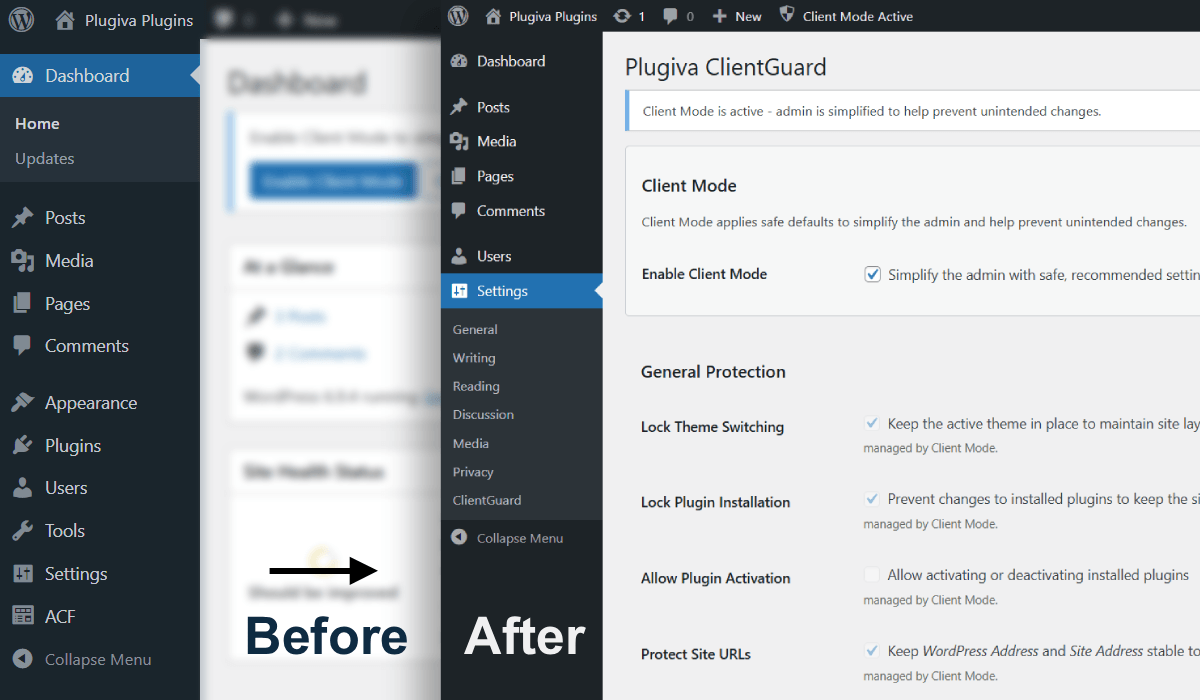
WordPress is powerful, but clients can accidentally break things
Handing over a WordPress website often creates a difficult balance.
Clients need enough freedom to manage their content confidently, but unrestricted admin access can easily lead to accidental changes, broken layouts, disabled plugins, or confusing settings screens.
Many site owners do not intentionally "break" their websites - they simply click something they may not have needed to touch in the first place.
Plugiva ClientGuard helps create safer WordPress handovers by reducing unnecessary admin complexity and protecting important areas of the dashboard without turning WordPress into a locked-down experience.
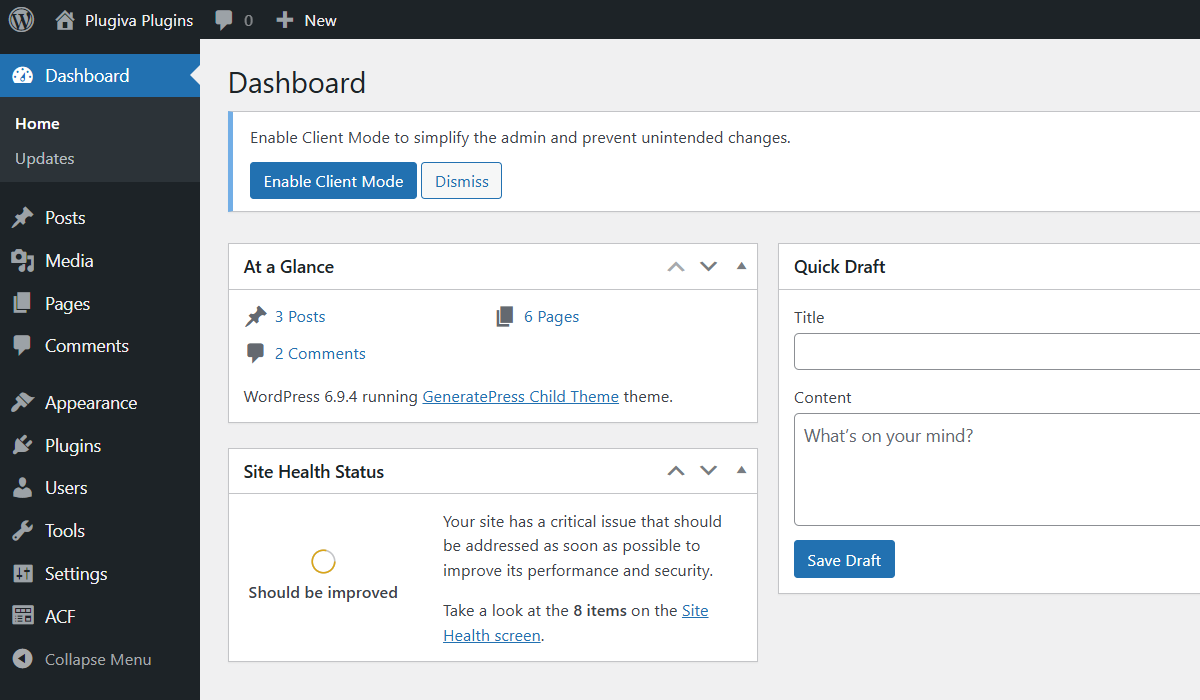
Designed for real client handovers
Instead of aggressively restricting users, ClientGuard focuses on practical guardrails that make WordPress feel cleaner, safer, and easier to manage for non-technical users.
You stay in control of the website, while clients get a more focused experience that reduces accidental mistakes and support requests.
- Hide unnecessary admin areas
- Protect important settings screens
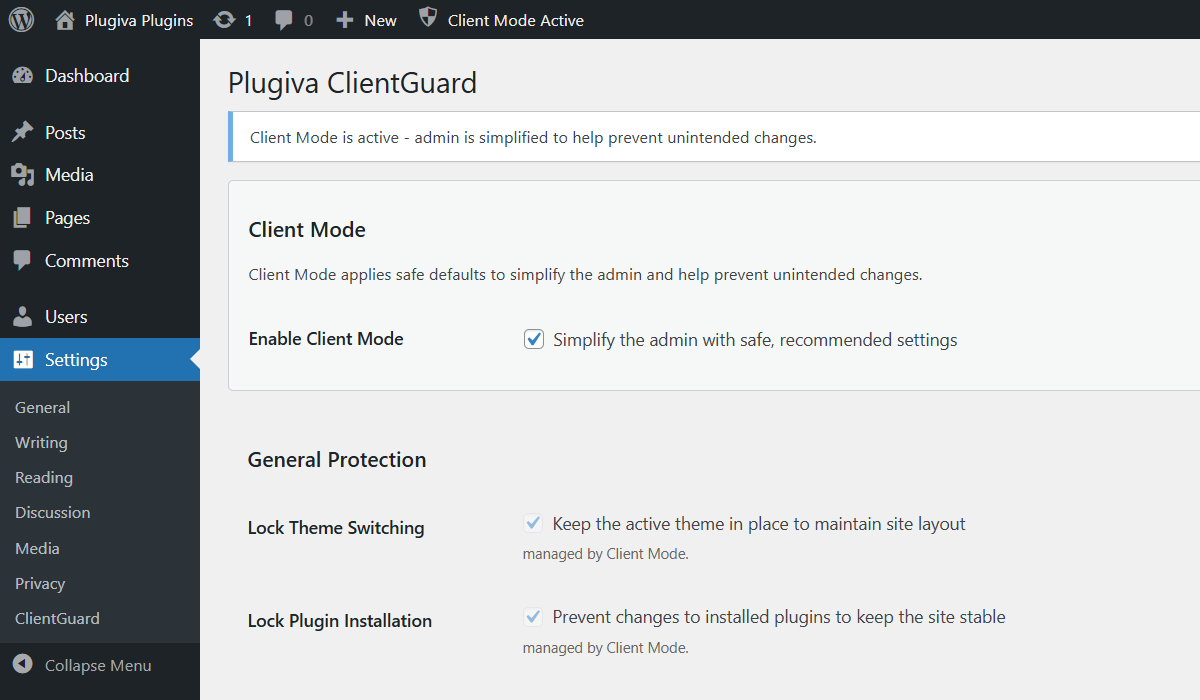
- Reduce accidental plugin and theme changes
- Create a cleaner dashboard experience
- Keep important workflows safer by default
Simple setup, Immediate impact
ClientGuard is intentionally lightweight and straightforward.
You can quickly enable safe client-friendly defaults without rebuilding roles, configuring complicated permission systems, or installing multiple admin cleanup plugins.
The aim is to guide them toward the parts of WordPress they actually need.
Built for freelancers, agencies, and site owners
Whether you manage a few client websites or maintain dozens of WordPress installs, safer admin workflows can dramatically reduce support overhead and prevent unnecessary problems.
ClientGuard helps to create a more predictable handover experience while keeping WordPress flexible for future growth.
Do accidental admin changes cause problems on your website?
Safe by default
Nothing changes until you enable the features you want.
ClientGuard is designed to work alongside normal WordPress workflows while giving the developers and site maintainers better control over what clients can access and modify.
It also integrates cleanly with common admin customization workflows, including Advanced Custom Fields (ACF) setups.
One-click Client Mode
Apply safe defaults instantly.
Keep plugins stable
Reduce accidental plugin changes.
Protect important settings
Prevent risky Site URL and permalink edits.
Cleaner admin experience
Hide unnecessary admin complexity.
Works with ACF
Automatically hide ACF admin when needed.
Safe by default
Nothing changes until enabled.