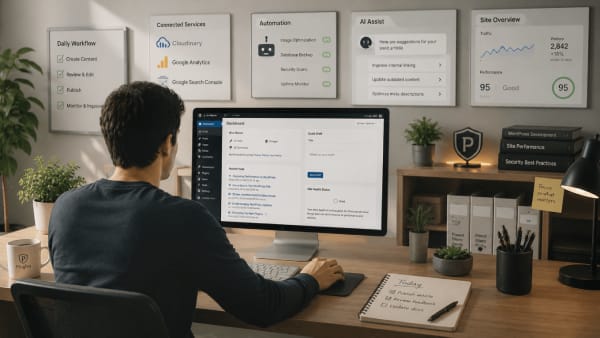
Not every WordPress admin action needs equal visibility
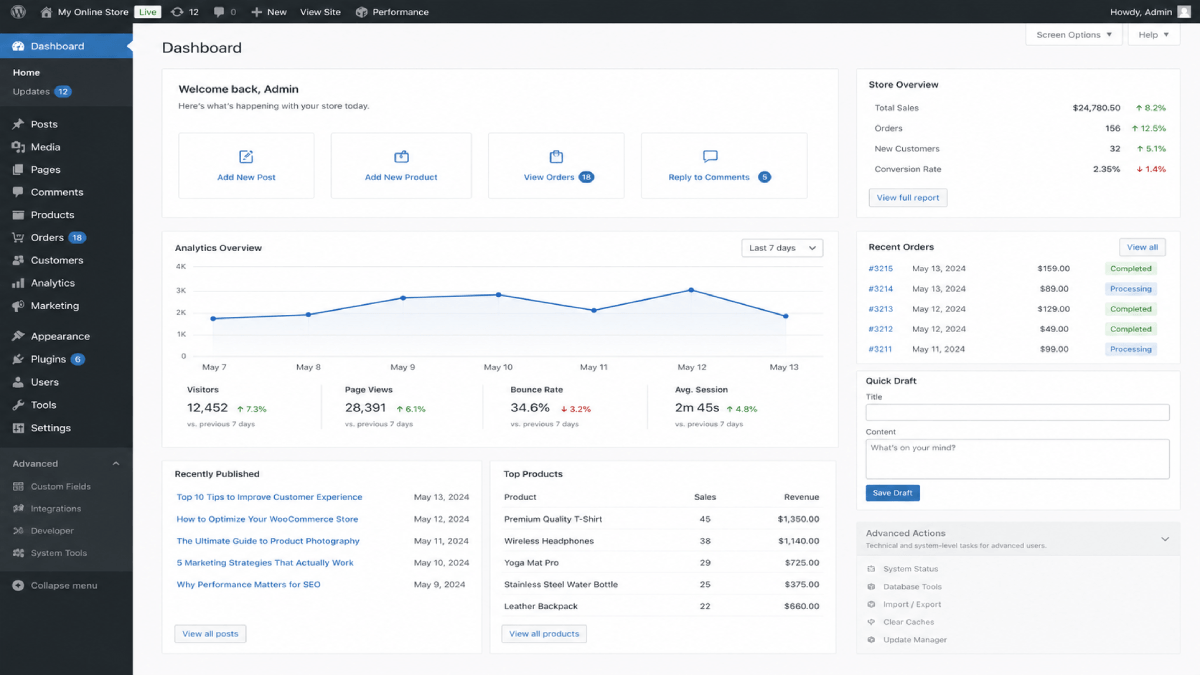
Most WordPress dashboards expose a very large number of admin actions at all times. Content editing, plugin installation, theme management, permalink settings, advanced configuration screens, user management, and many other controls often exist side by side inside the same admin environment.
This flexibility is one of WordPress's strengths.
But from an operational perspective, not every admin action carries the same level of risk or importance during everyday website management. Over time, exposing everything equally can create unnecessary friction, hesitation, and accidental mistakes.
Routine tasks and high impact actions are not the same
Many people managing WordPress websites primarily focus on routine tasks.
For example, publishing content, updating pages, uploading media, managing products, reviewing comments, editing menus, and responding to customers. These are normal day to day workflows.
At the same time, WordPress also exposes actions that can significantly affect how the website behaves.
For example:
- changing permalink structures
- installing plugins
- switching themes
- modifying advanced settings
- editing sensitive configuration areas
- changing user permissions
These actions are important, but they are not usually part of routine daily management. Treating both types of actions with equal visibility can make admin environments feel heavier and more unpredictable over time.
Should some admin actions require extra care?
Visibility influences behavior
The way admin actions are exposed affects how people interact with websites. When high impact actions remain constantly visible, they naturally attract attention, curiosity, experimentation, and hesitation.
Sometimes, this leads to accidental changes.
Sometimes, it simply increases mental load because users feel they must understand every visible option before feeling confident inside the dashboard.
This becomes especially noticeable on plugin heavy websites where every plugin introduces additional menus, notices, settings, and configuration layers.
Eventually, the admin experience starts feeling less focused and more operationally noisy.
Guardrails are not the same as restrictions
Discussions about limiting admin actions are sometimes framed as restricting users.
In practice, thoughtful guardrails are often more about creating safer and clearer workflows.
For example, many website owners do not need to install plugins regularly, modify permalink structures frequently, or access sensitive configuration settings during normal site management. Reducing unnecessary exposure to these actions can make the dashboard feel calmer and easier to navigate confidently.
This is not about removing flexibility from WordPress. It is about recognizing that routine workflows and high impact configuration tasks are fundamentally different types of actions.
Visibility and access are also different things. An option can be hidden to simplify the interface without necessarily preventing the underlying action. In other situations, permissions or specific safeguards may be needed to control what a user can do. The right approach depends on the action being protected and the needs of the people managing the site.
For sites that need more deliberate control over selected WordPress admin actions, Plugiva ClientGuard provides practical admin guardrails and helps simplify the administrative experience.
Better workflows reduce operational stress
Good admin experiences are not only defined by how many features are available. They are also shaped by how clearly workflows are separated and how easily users can focus on the tasks that matter most to them.
In many cases, reducing unnecessary operational noise creates a better experience than continuously adding more visible controls. This benefits non technical site owners, teams, freelancers, and even experienced developers managing multiple websites over long periods of time.
As WordPress environments continue to grow more complex, operational clarity becomes increasingly important.
Not every admin action needs equal visibility all the time.
And in many cases, quieter and more focused workflows create safer and more confident website management experiences.