Why hiding WordPress admin menus isn't enough?
Hiding WordPress admin menus can feel like control. It makes the dashboard look cleaner, reduces clutter, and can make the interface easier to navigate.
But it does not change what actions are actually available.
What does hiding menus really do?
When you hide a menu item in WordPress, you are removing it from view.
However, the underlying functionality is still there. If someone knows the URL, they can still easily access the page.
And if they can access it, they can still perform the action.
Why does this become a problem?
It is easy to assume that hidden items are also managed.
But in reality, only the visibility changes - the capability remains the same.
This can create a gap between what the interface suggests and what is actually possible, i.e., important actions are still available in the background.
Common example
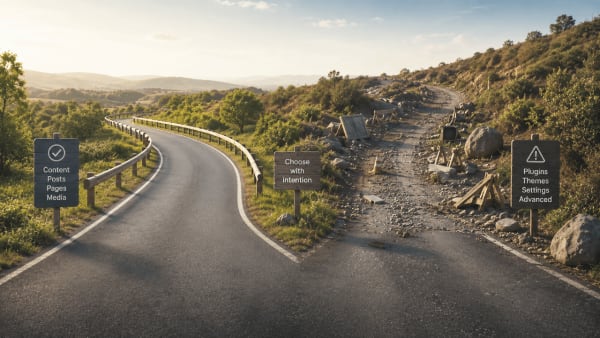
You hide the Plugins menu.
The dashboard looks simpler and more focused.
But a user can still:
- Access the plugin page using a direct link
- Install or activate plugins
The capability is unchanged. It is just less visible.
The real issue
WordPress does not separate visibility from capability.
Changing what users see does not change what they can do. For high-impact actions, this distinction matters.
What can actually work?
If you want to keep the site stable, it helps to focus on actions rather than visibility.
That includes:
- Keeping plugin installation and removal controlled
- Keeping the active theme in place
- Keeping sensitive areas safe from unintended changes
When these actions are managed, the risk is reduced at the source.
A practical approach
This is the idea behind Plugiva ClientGuard.
It does more than just simplifying the admin interface.
It helps keep high-impact actions under control, while allowing normal work to continue.
This way, the dashboard stays simple, and the site stays stable.
Final thought
Hiding menus helps make WordPress easier to use.
Managing actions helps keep it reliable.