WordPress safe mode: safer everyday admin use
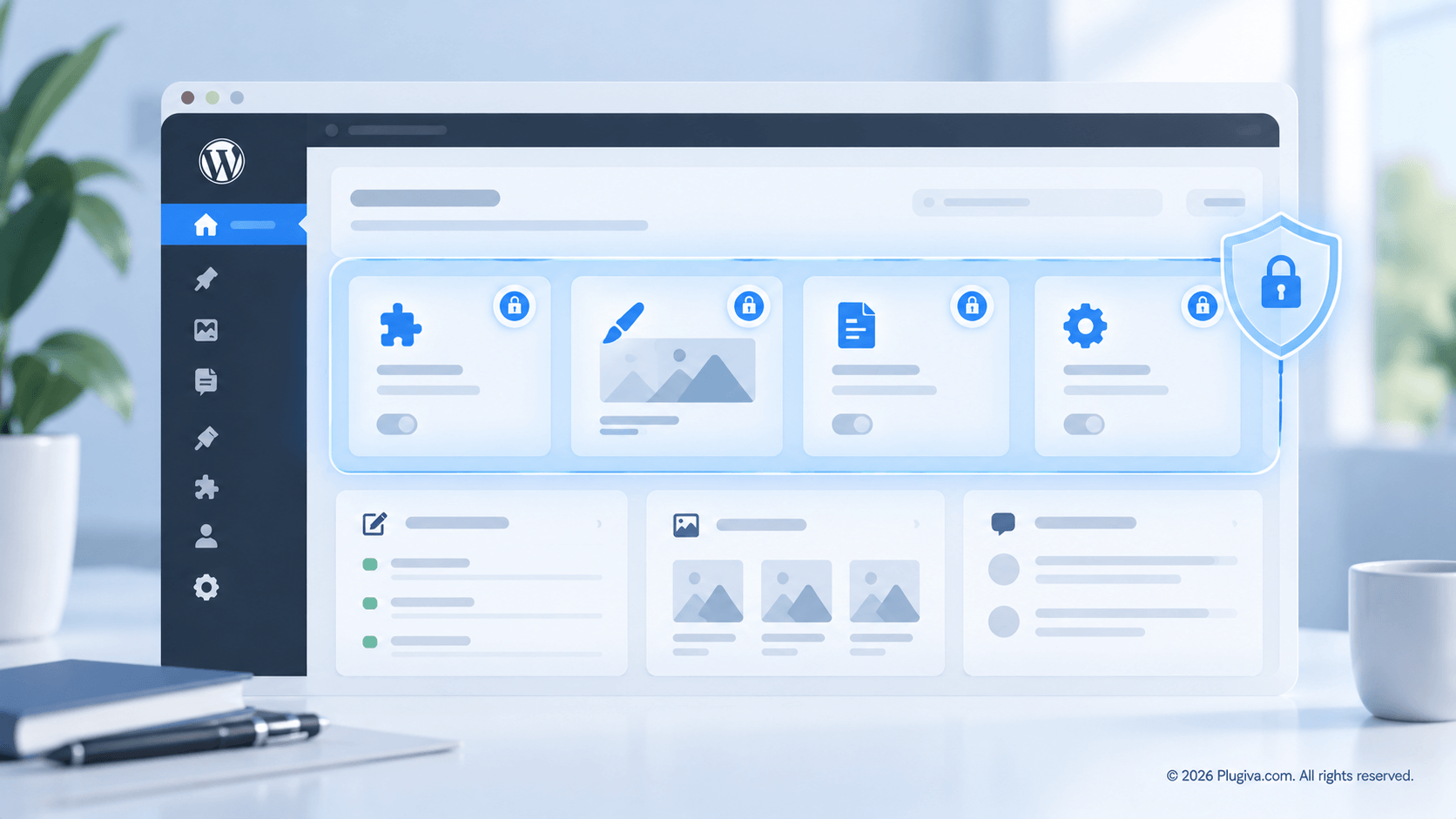
I've seen WordPress sites break because someone was simply trying to make a change they thought was harmless.
One client used a page builder such as Elementor to update a page, but the change damaged the page's design. In other cases, editing Advanced Custom Fields (ACF) fields, modifying a plugin's core file, or changing a theme's functions.php file caused a site to break.
These are different situations, but they share a common pattern: an ordinary admin action can have consequences far beyond what the person making the change expects.
That is why I think WordPress needs a safer approach to everyday administration.
When an ordinary admin change becomes a problem
WordPress gives site owners considerable control over their websites. Depending on their permissions and the tools installed, they can edit pages, manage plugins, change themes, configure fields, and modify other parts of the site.
This flexibility is one of WordPress's greatest strengths. But it also creates risks when someone does not know how far the effects of a change may reach.
A page builder change might disrupt a carefully designed layout. An incorrect field edit might affect how content is displayed. A mistake in a plugin or theme file can cause errors that make the site unusable.
These actions are not equivalent, and they do not all call for the same protection. Some changes need a preview or revision history. Others require restricted access, a backup, or a proper development and testing workflow.
The common issue is that the admin interface does not always make the potential impact of an action obvious to the person performing it.
Site owners and developers face different risks
WordPress serves people with very different levels of technical experience. A developer may understand the consequences of editing a theme file, while a client may see an available option and reasonably assume it is safe to use.
Even experienced users can make mistakes, especially when working under time pressure or managing several sites.
For agencies and developers, the challenge is not simply to teach clients what every setting does. It is also to prepare sites so that clients can carry out routine work without accidentally changing parts of the system they do not need to touch.
That means distinguishing everyday tasks from high-impact actions, rather than treating every available option as equally suitable for routine use.
WordPress needs a practical safety layer
When I talk about a safe mode for everyday WordPress use, I do not mean the conventional troubleshooting or recovery modes used to diagnose technical problems.
I mean a safer administrative experience: one that helps reduce accidental changes while allowing people to continue doing their work.
Depending on the site and the risk involved, that could include:
- Restricting access to high-impact actions that certain users do not need.
- Hiding unnecessary admin options to make routine tasks easier to navigate.
- Using backups, revisions, staging environments, or previews where appropriate.
- Making responsibilities and permissions clearer for clients and team members.
No single measure can prevent every mistake. The aim is to make avoidable mistakes less likely and recovery more manageable when something goes wrong.
Would you use a WordPress safe mode like this?
The same problem appears across themes, plugins, and pages
Several common WordPress problems illustrate why safer administration matters:
- A theme is changed without understanding how much of the site depends on it.
- A plugin is installed and conflicts with existing functionality.
- Admin menus become overwhelming, leaving users to explore options they may not need.
These examples also connect to the broader question of where many WordPress problems actually come from.
The answer is not always user error. A site's permissions, configuration, maintenance process, and available safeguards all influence what can go wrong and how easily it can be corrected.
How Plugiva ClientGuard approaches admin guardrails
This is the problem space behind Plugiva ClientGuard.
ClientGuard is designed to provide practical guardrails within the WordPress admin area. Its approach includes controlling plugin and theme actions, simplifying the admin interface, and helping protect important pages from unintended changes.
It is not a replacement for backups, staging environments, appropriate user permissions, or careful development practices. Nor should an admin guardrail be assumed to prevent every kind of site failure.
Instead, it addresses one part of the problem: reducing unnecessary exposure to actions that can disrupt a site's normal operation.
For developers and agencies, that can be an important consideration when preparing a site for handover. For site owners, a clearer and more controlled admin experience can make routine work less intimidating.
ClientGuard also includes Sentinel, which provides visibility into relevant activity and protection events. This helps complement its guardrails by making relevant events easier to understand when reviewing what happened.
Making everyday WordPress use safer
WordPress needs flexibility, but flexibility does not mean every user needs access to every action at all times.
A safer everyday experience combines appropriate permissions, clear interfaces, sensible workflows, and safeguards suited to the risks involved. The goal is not to remove control from site owners. It is to help them use that control with fewer avoidable surprises.
Sometimes, the most useful improvement is not another feature. It is making the existing system safer to use.